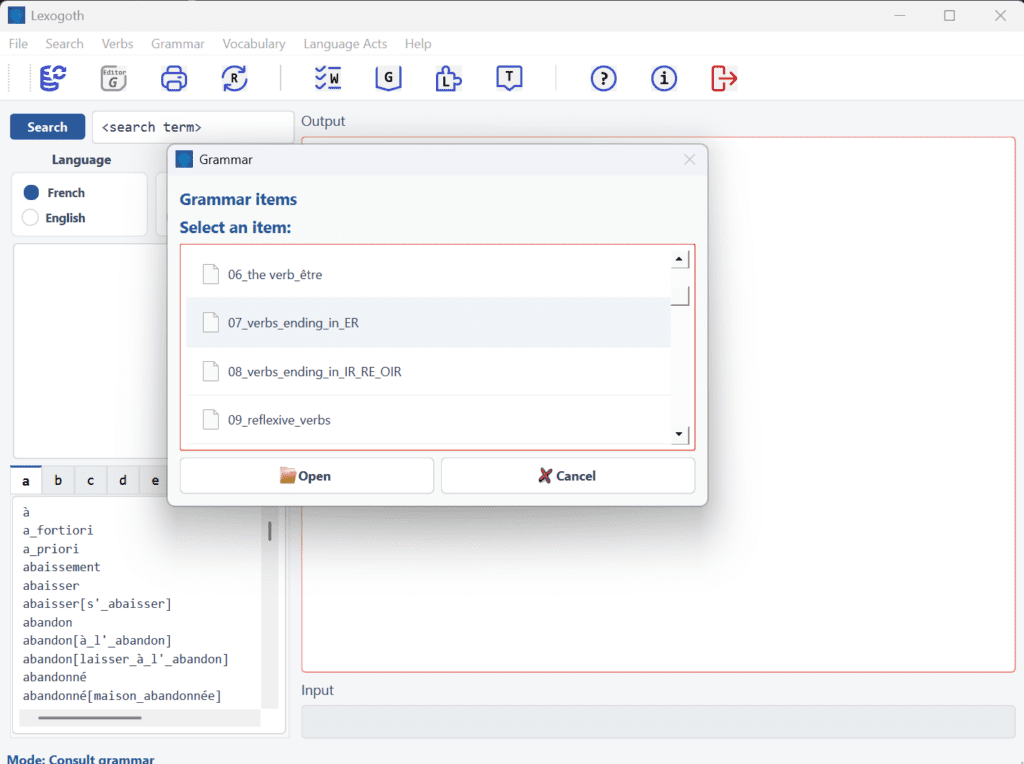
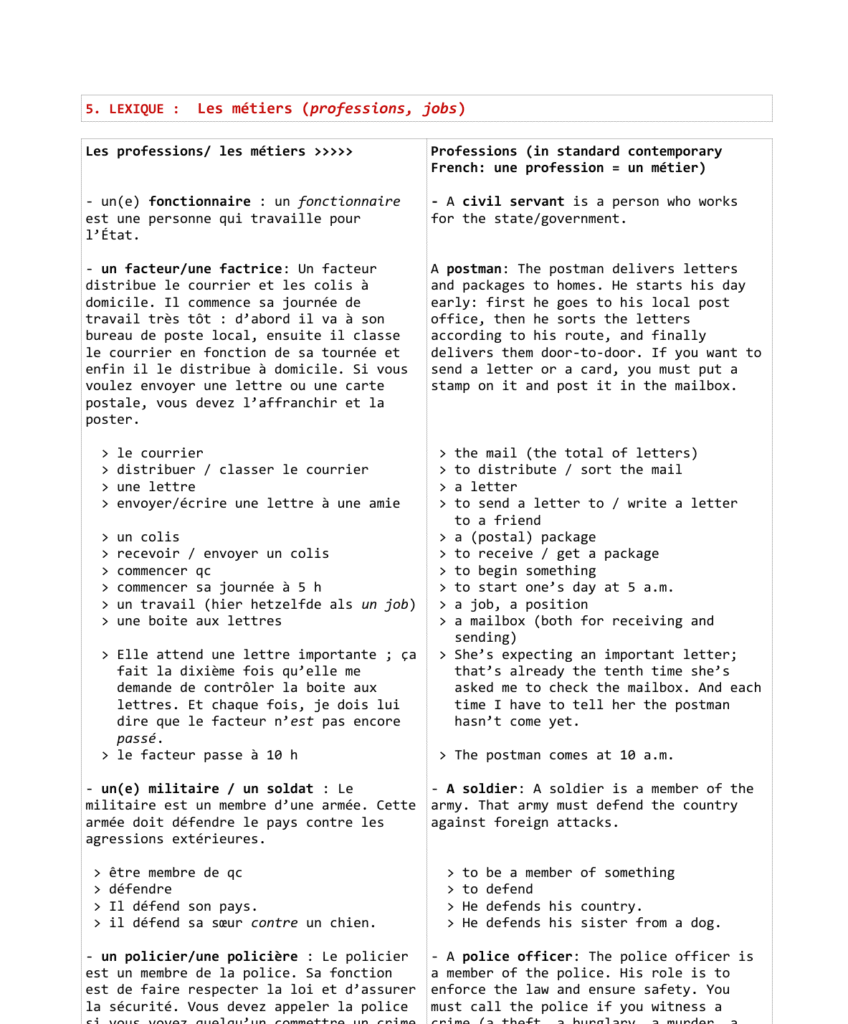
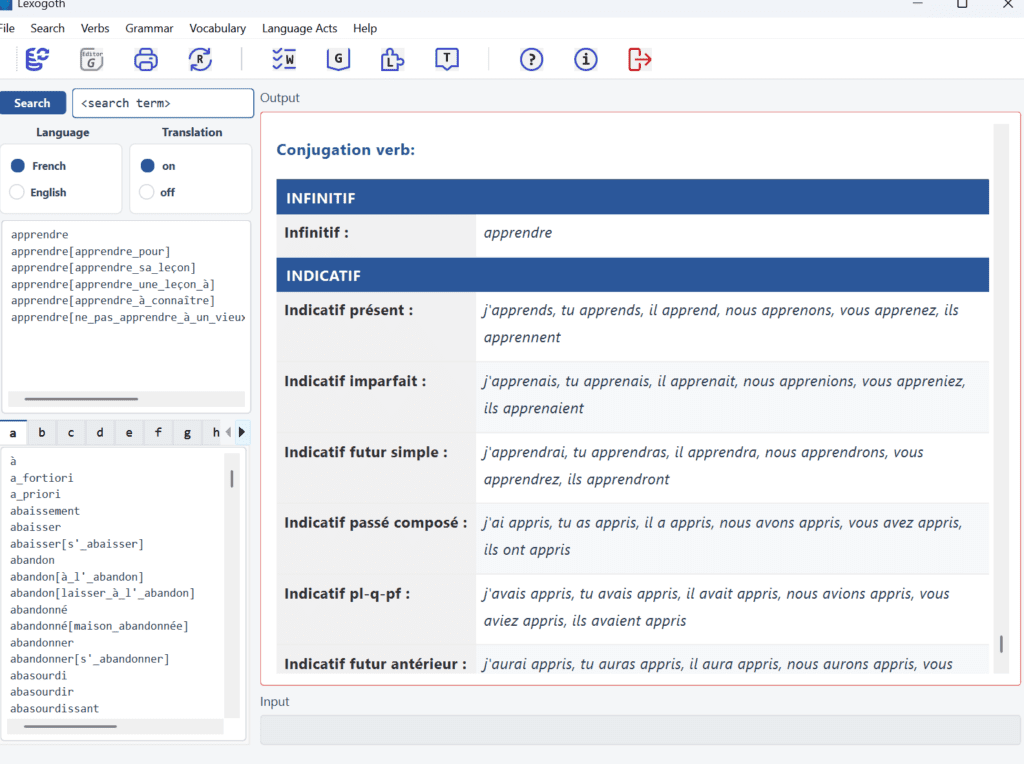
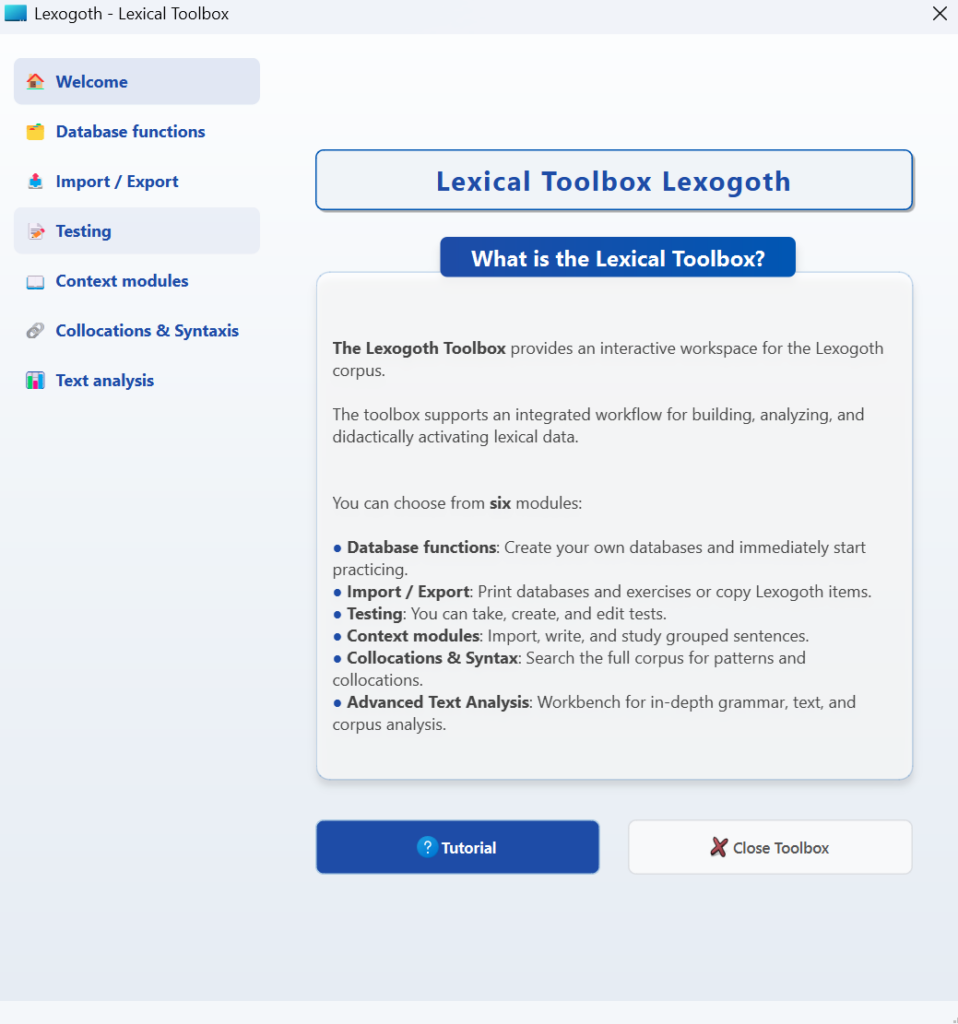
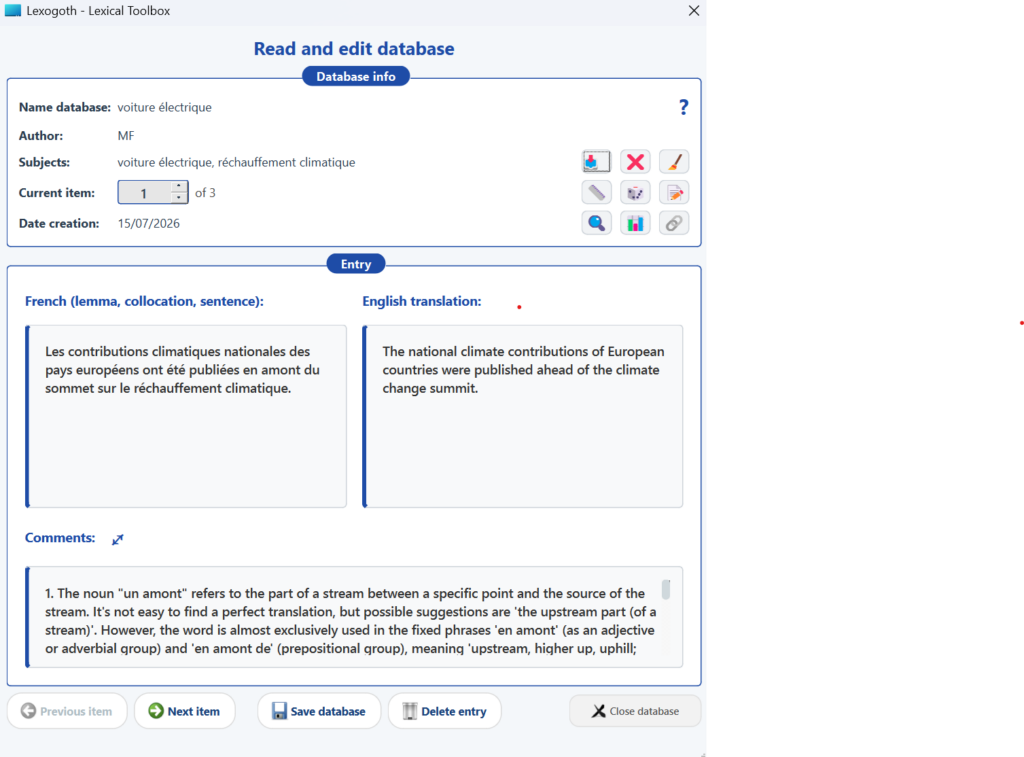
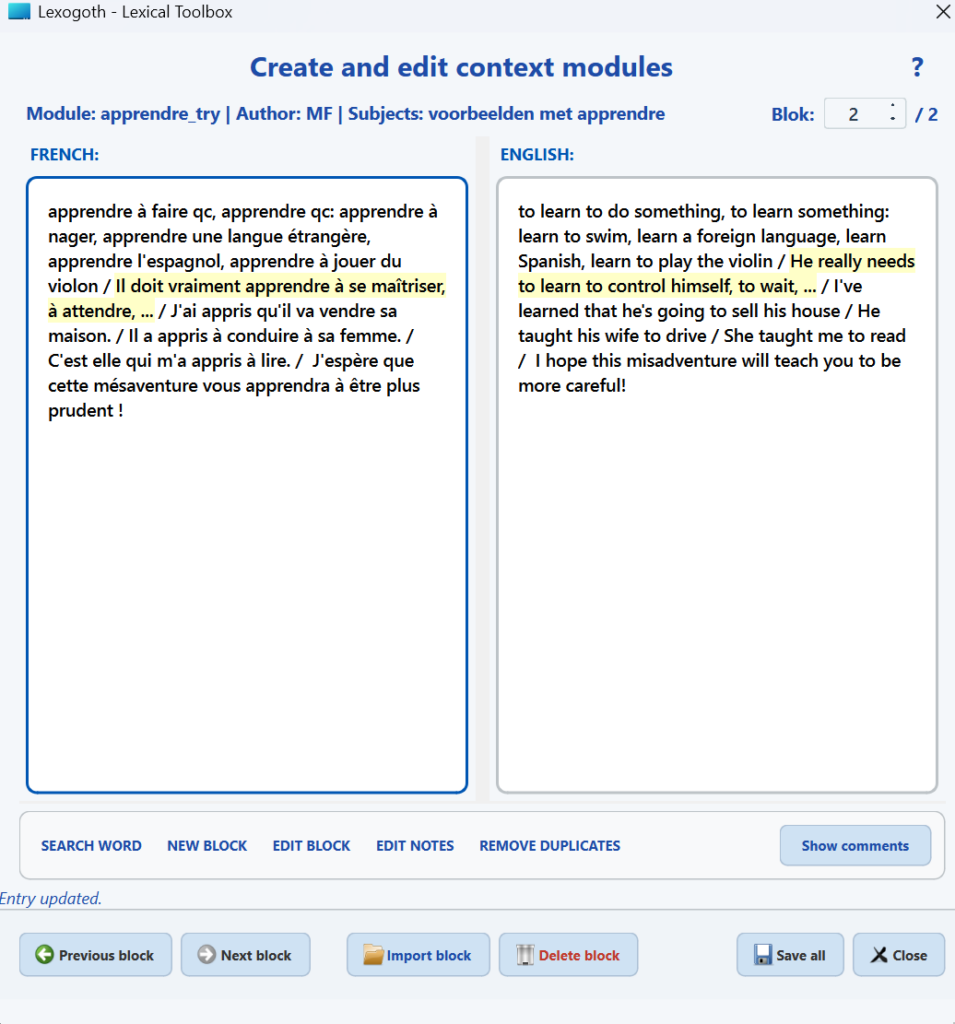
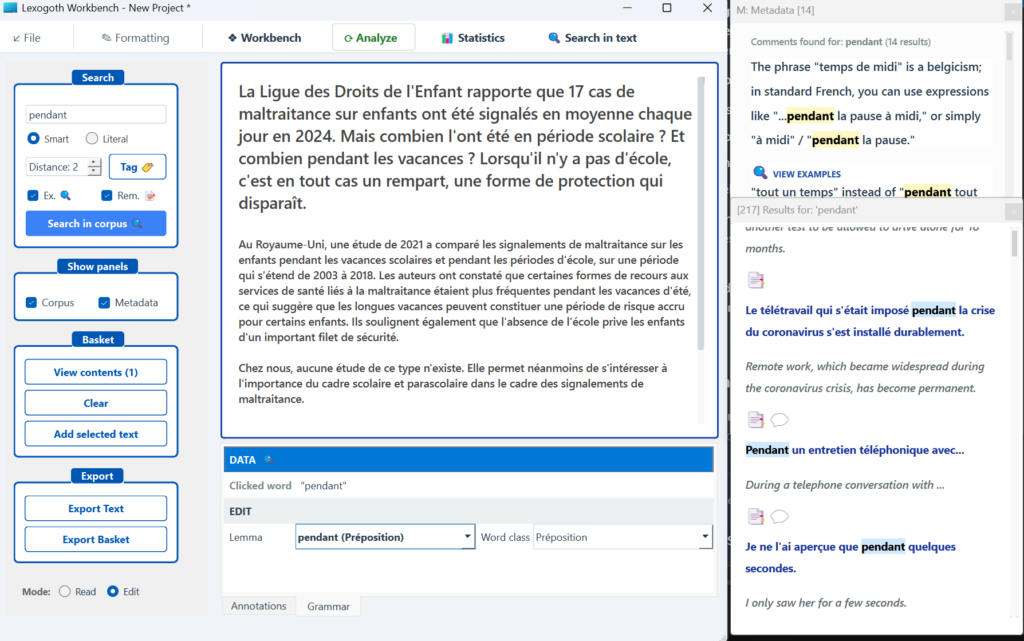
Lexogoth Corpus Viewer: right panel: search results; left panel: various search optionsSelect a grammar topic (CEFR Track A and B) to study this in detail in a clear PDF.Core document for teaching and learning vocabulary related to professionsBuilt-in conjugation moduleToolbox main menu: the module for actively engaging with the Lexogoth corpusThe Database module (Toolbox): allows students and teachers to reduce cognitive overload by working with a select number of items instead of the entire corpus. Perfect for targeted, theme-based learning.The Context Block module: allows students and teachers to group lexical information from the Lexogoth corpus according to their own criteria, streamlining the learning and study process.The ‘Syntactic patterns & collocations’ module: allows teachers and students to analyze examples from the Lexogoth corpus in detail using advanced search features (wildcards, distance, tags, collocations, tenses, etc.). Features an easy export function to save interesting examples as text, database, or context block files.”The Workbench: the most versatile part of the Toolbox. Here, users can read and analyze texts with the help of the Lexogoth corpus. Features automatic POS tagging, MWE recognition, and a clear, highly intuitive interface.